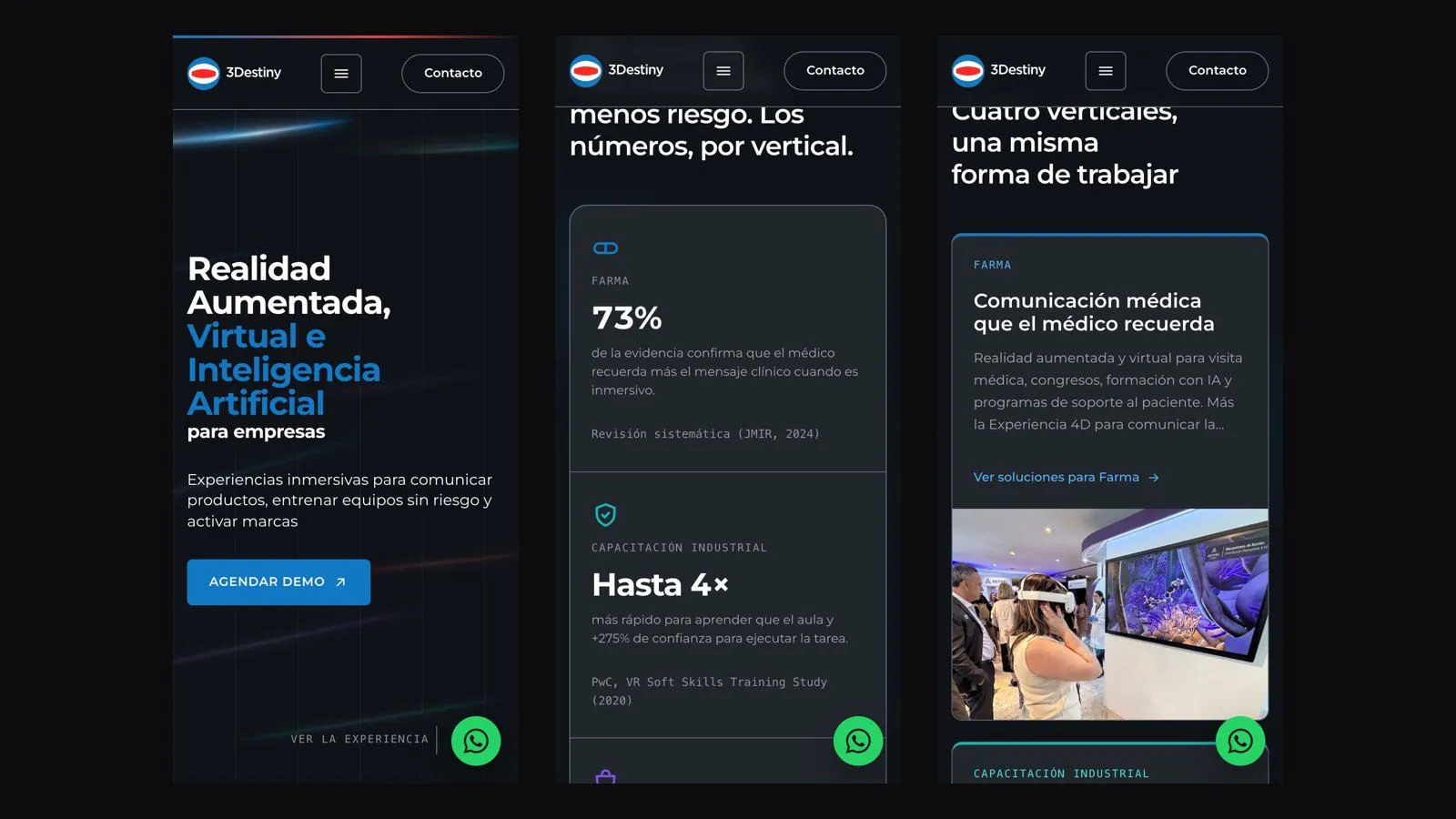
3Destiny: a corporate WordPress site, deployed on the client's own cloud
Custom theme without a page builder, wp-cli migration and a DNS cutover with no visible downtime
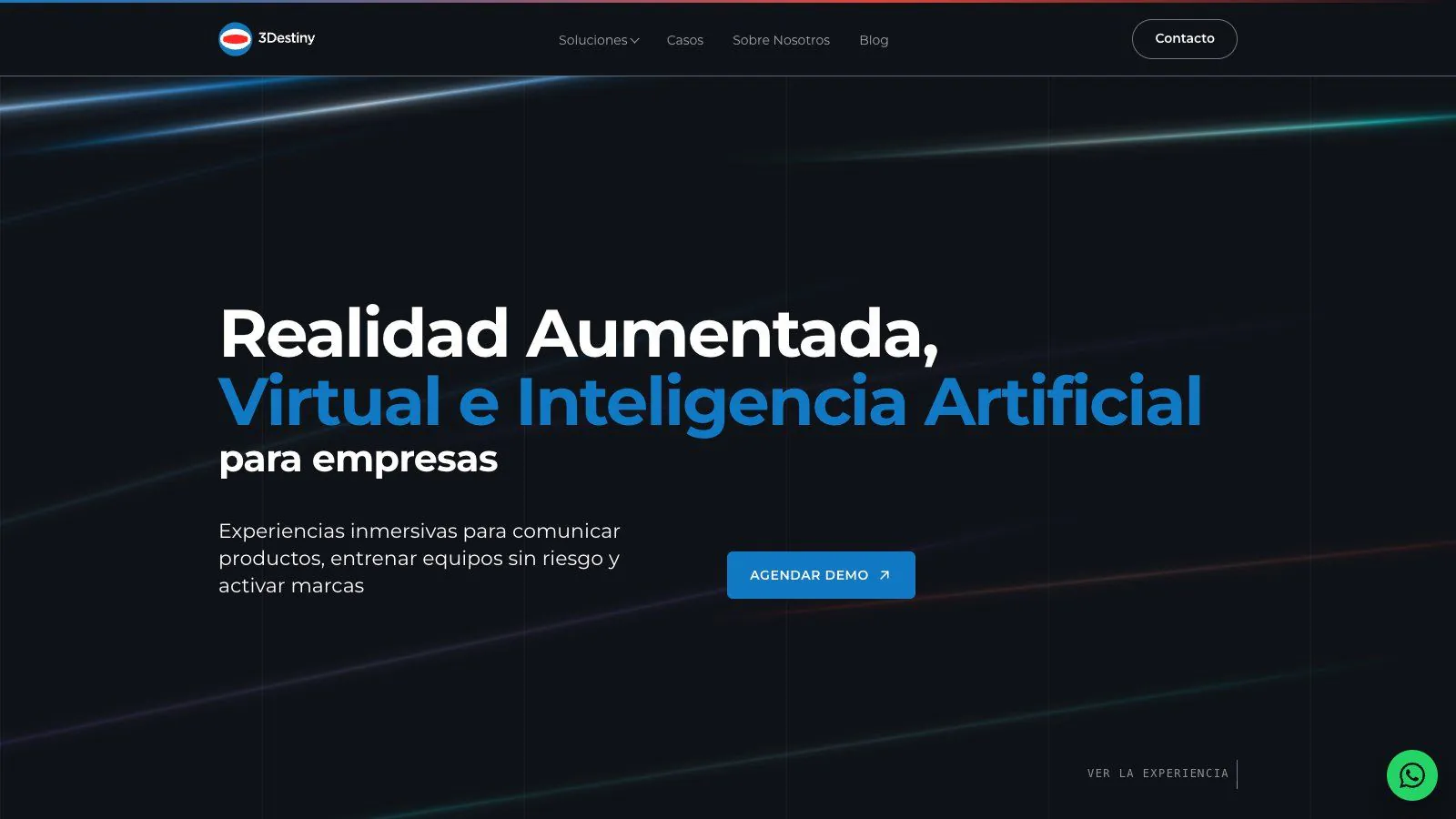
Corporate site for an Argentine augmented reality, virtual reality and AI agency. A custom WordPress theme, published on 17-Sep-2026 on the client's own AWS infrastructure, with 37 of 37 post-cutover checks passing.
Context
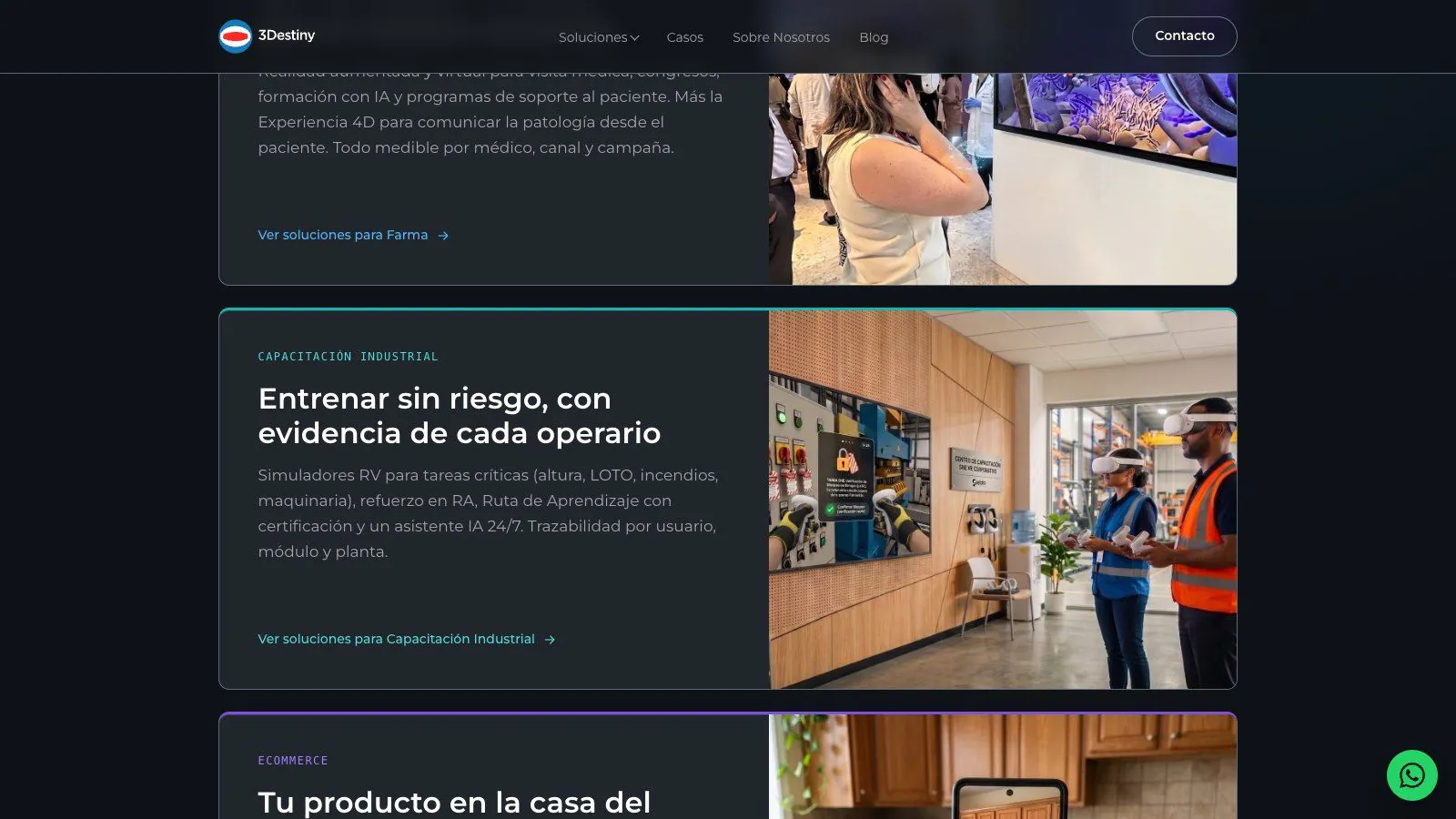
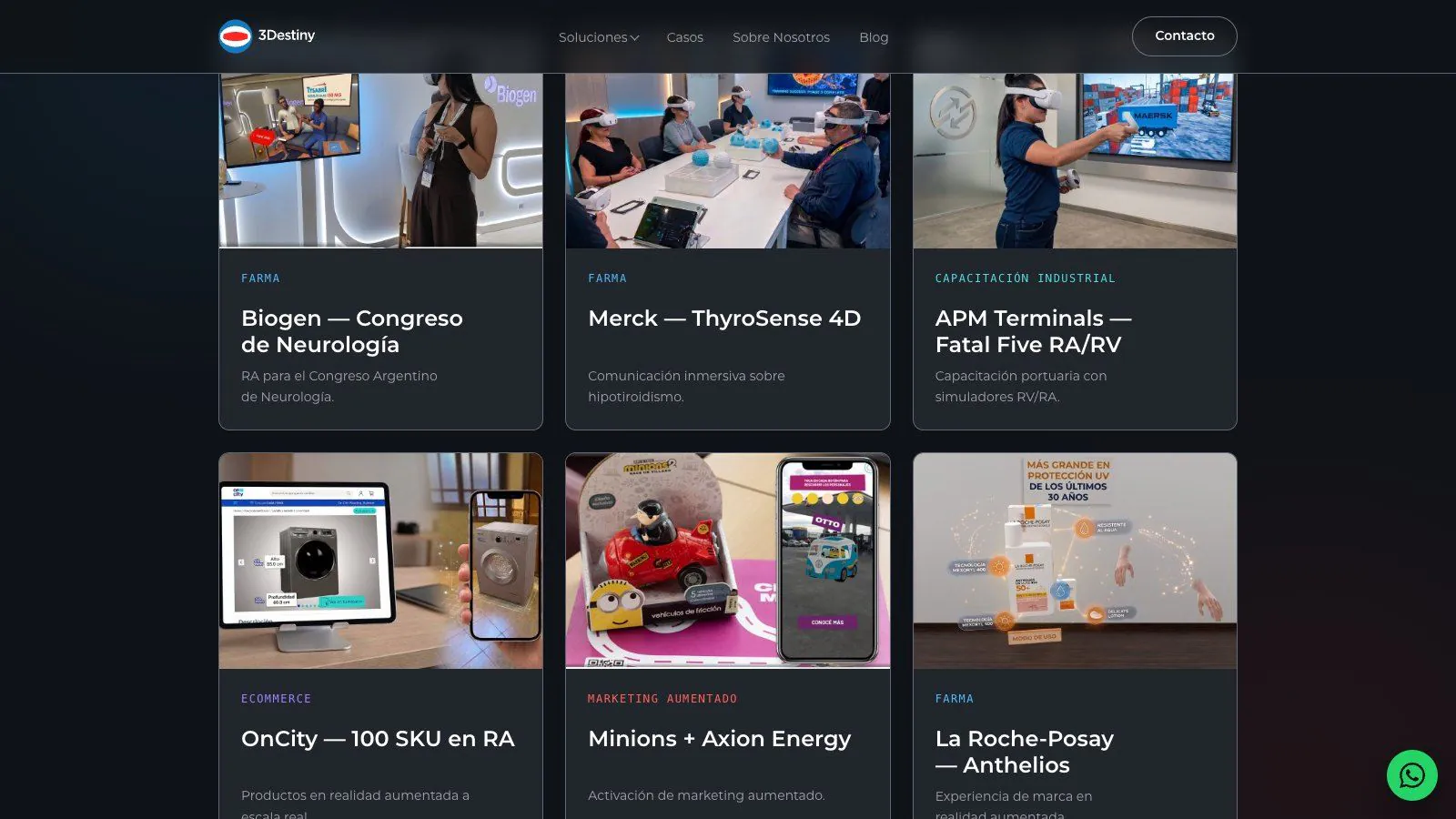
The agency needed to replace its previous site with one covering its four verticals (pharma, training, e-commerce, marketing), success stories with metrics, a blog and a contact form. It had to go live on its own AWS server without risking what already worked: 132 URLs from the old site, five subdomains that were out of scope, and the company email, which shares the DNS zone with the site.
Solution
A custom theme on Gutenberg + ACF, with no page builder: success stories as their own content type, one template per vertical, a blog and a form that saves to the dashboard and opens WhatsApp.
Deployment followed the sequence the client set: first the full site on a test subdomain on the same production server, validated with the final domain forced in the browser; then the client's team moved a single DNS record.
Architecture
Server backup, stored off the server
File upload with matching checksums at source and destination (230 MB)
Database import with wp-cli: 2,622 domain replacements
Validation on the test subdomain with the final domain forced
The client's team moves a single DNS record
37 external checks against live DNS: 37/37
Components
- Custom WordPress theme (PHP 8.3, Gutenberg + ACF, Rank Math)
- Client's AWS EC2, accessed via SSM (Session Manager)
- Route 53 (DNS) + Let's Encrypt certificate via DNS challenge, auto-renewing
- wp-cli to migrate the database and rewrite the domain
- Outgoing mail through Amazon's mail service
Technical decisions
Custom theme, no page builder
Why: full control over the HTML, which is what makes Accessibility 100 and SEO 100 possible.
Trade-off the team edits within the defined blocks and fields; a new layout needs development work.
Deploy on the client's cloud, not on my hosting
Why: the client keeps ownership of its server, DNS and access; work was done through Session Manager without opening SSH.
Trade-off every access grant and the cutover depend on their ops team.
Full rehearsal on a subdomain of the same server
Why: validation runs on the real machine, and the old site stays live until the minute of the cutover.
Trade-off it leaves temporary settings (a config block, the subdomain's certificate and DNS record) that must be removed afterwards.
Scripted checks before and after the cutover
Why: email is what breaks most silently; MX, SPF, DKIM and DMARC were compared against a baseline taken days earlier.
Trade-off preparation time before the cutover.
Migration fixes by script, across all content
Twelve images failed because of image-size names inherited from the old CMS; the script checks every post, not just the affected ones, and became part of the procedure.
Trade-off slower than hand-fixing the three visible posts.
Results
- Live since 17-Sep-2026
- 37/37 checks against live DNS after cutover
- 132/132 old URLs redirect per the map
- 131/131 post images loading
- 22/22 real-browser tests (11 routes, mobile and desktop), no third-party requests
- Email DNS records identical to baseline
- Lighthouse: SEO 100 · Accessibility 100 · Best Practices 100
- 155 test functions in the theme's suite
Stack
- WordPress
- PHP 8.3
- Gutenberg + ACF
- Rank Math
- Vanilla JavaScript
- AWS EC2 + SSM
- Route 53
- Let's Encrypt
- wp-cli